One plan for dbdiagram and dbdocs

Pricing

Always free. Get more power with our pricing plans.

Monthly billing
Annual billing Save up to 42%
Always freeEvery plan also includes:
DBMLOpen schema spec
RunSQLBrowser-based SQL playground
Free
For individuals designing schemas and sharing public docs.
Free
and it's forever

Up to 10 diagrams & doc projects

Single user

Personal Pro
For freelancers and consultants who design and document.
$8/mo

Unlimited diagrams & doc projects

Single user

3 dbdocs paid doc project

Everything in Free, plus

Add-ons:

Extra paid doc project$8/mo

Team Recommended
For teams designing and documenting databases together.
$75/mo

Unlimited diagrams & doc projects

3 users

5 dbdocs paid doc projects

Everything in Personal Pro, plus

  • Collaborative workspace
  • Team management & collaboration
  • Unified admin and billing

Add-ons:

Extra user$5/mo

Extra paid doc project$8/mo

Custom Plan
For organizations with security and procurement needs.
Custom pricing
Contact for pricing

Unlimited diagrams & doc projects

10 users

10 dbdocs paid doc projects

Everything in Team, plus

  • Prioritized feature request
  • Procurement or legal review
  • Custom payment terms
  • SAML SSO
  • User activity log (coming soon)
  • IP allow list (coming soon)
dbdiagram SOC2 Compliance
SOC 2 Type II compliant Read how we store and protect your data, and what we can share with your security team.
View security docs
Want to share insights, not just schemas? Embedded Analytics. Integrate fully customized, branded analytics dashboards directly into your application.
Explore now

Plans & Features

Features
Free PlanFree
Personal Pro PlanPersonal Pro
Team PlanTeam
Custom Plan PlanCustom Plan
Data Modeling
ER Diagrams
Visualize your database structure, including tables, fields, and relationships
10UnlimitedUnlimitedUnlimited
Create multiple views of the same diagram to focus on different aspects or audiences
1UnlimitedUnlimitedUnlimited
Show readers the real data with example rows, and generate SQL INSERTs to seed lookup tables
Import Schema from Database
Reverse-engineer your existing database to visualize tables, fields, and relationships
Export Schema to Database
Export schema as SQL scripts ready to be executed on your database
Export Visualization
Export your diagrams as SVG, PDF, or PNG images for documentation and sharing
Track and revert to previous versions of your diagrams
-
Generate & edit diagrams using prompts; get insights and recommendations for your database designs
- Capped UsageCapped UsageUnlimited Usage
Data Lineage
Declare that one table is built from another and see the pipeline drawn
Map dependencies field by field and trace a column back to its source
Documentation
Publish a schema to dbdocs.io as a browsable reference your team can read
10UnlimitedUnlimitedUnlimited
Paid Doc Projects
Doc projects with the full feature set. Free projects stay available on every plan
- 1510
Audit how a published schema changed over time and compare any two versions
14-dayUnlimitedUnlimitedUnlimited
Working with large databases
Organize related tables visually with groupings
-
Customize table header colors for better organization
-
Control visibility of table details in different views
-
Add annotations and comments to your diagrams
-
Sharing & Collaboration
Embed a diagram or a docs page as an iframe in tools like Notion, Confluence, or your own site
1UnlimitedUnlimitedUnlimited
Public Link Sharing
Share a diagram or docs project with anyone who has the link
View-only
Put a password on a shared diagram or docs link
-
Keep a diagram or docs project reachable only by you and the people you invite
-
Invite colleagues to collaborate on your diagrams and docs
- Up to 4 free editors
Shared workspace for team members to work together
- -
Per seat: unlimited editors and viewers
- -
Single dashboard to manage team members and billing
- -
API & Integrations
Keep .dbml files in version control: push and pull to sync diagrams, publish docs, and automate both from CI/CD
Build bespoke integrations to connect your dbdiagram workspaces to internal tools and workflows
-
Product Support
Access to community forums and documentation
Email support with standard response times
-
Prioritized feature request
Get your specific feature requests accelerated development with concrete delivery timelines
- - -
Security & Compliance
Secure login integration with your identity provider
- - -
User Activity Log
Track and review user actions for security and compliance.
- - - In Roadmap
IP Allow Lists
Restrict access to your workspace by IP address
- - - In Roadmap
Custom Service Level Agreement (SLA)
Tailored SLAs with guaranteed uptime, response times, and service commitments
- - -
Business Terms & Payment
Credit Card Payment
Pay with credit or debit card through secure processing
-
Bank Transfer
Direct bank transfer for larger transactions
- - Min. $3,000
Custom payment terms
Flexible payment schedules (NET 30, custom invoicing)
- - -

What's in our Personal Pro plan?

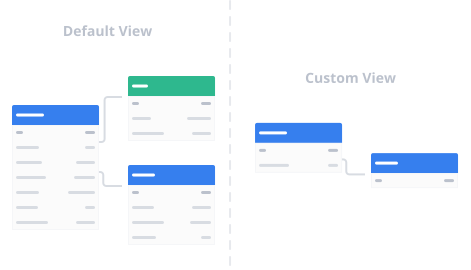
Start small with Diagram Views

Think big, start small. Create multiple, focused views of the same diagram. Show only the tables you need for a domain, workflow, or team conversation.

Learn more

Start small with Diagram Views

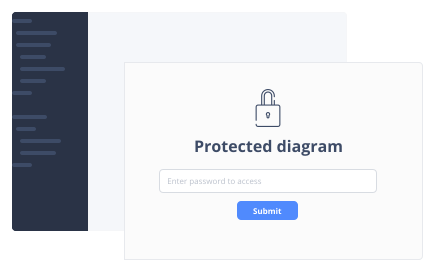
Secure diagram with Password Protection

Protect your diagrams with Password Protection and improve privacy. Perfect for internal sharing across the team.

Learn more

Secure diagram with Password Protection

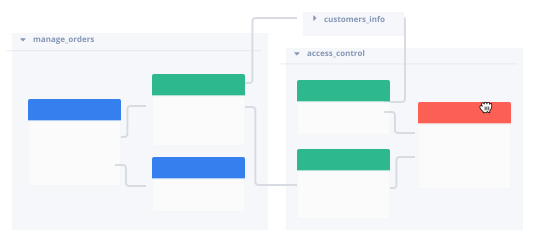
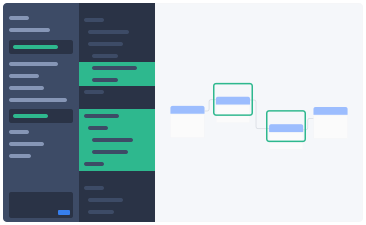
Better organizing with Table Group

Group multiple tables together for easier visualizing. Reduce your workload when working with database that has lots of tables.

Learn more

Better organizing with Table Group

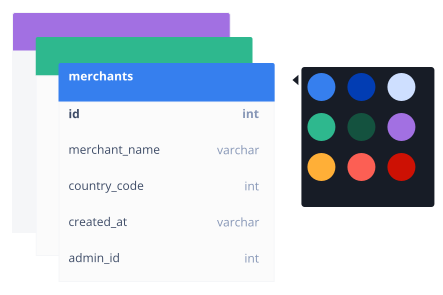
Manages diagrams with Header Color

Tired of looking at plain diagrams? Easily manage your diagram by changing table header color and make your diagrams more colorful!

Learn more

Manages diagrams with Header Color

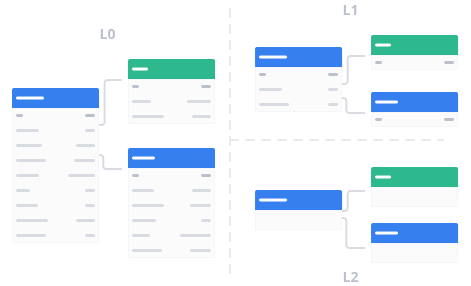
Simplify diagrams with Detail Levels

Toggle between different detail levels to simplify your diagrams. This feature is especially useful when working with large database designs.

Learn more

Simplify diagrams with Detail Levels

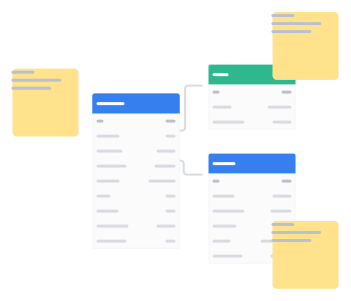
Collaborate better with Sticky Notes

Need to jot down a quick reminder or elaborate on a complex idea? You can add notes directly to your diagrams, right where you need them.

Learn more

Collaborate better with Sticky Notes

Accelerate workflow with AI Assistant

Get intelligent suggestions and speed up your database design workflow with our AI-powered assistant.

Learn more

Accelerate workflow with AI Assistant

Real-time Collaborative Editing

Invite your colleagues to work on the same diagram with you in real-time.

Learn more

Real-time Collaborative Editing

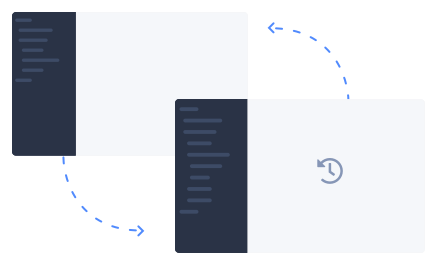
Turn back time with Version History

Freely experiment your ideas with different schema versions. Roll back to a past version whenever you want.

Learn more

Turn back time with Version History
dbdocs

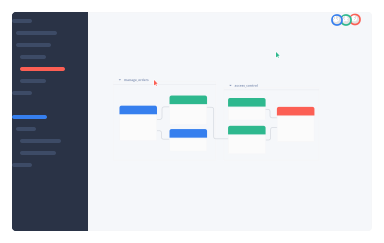
Unlimited Schema Changelog history

Never lose track of your database schema changes again. Access all schema changes, browse versions older than 14 days, and compare any two versions with ease.

Learn more

Unlimited Schema Changelog history
dbdocs

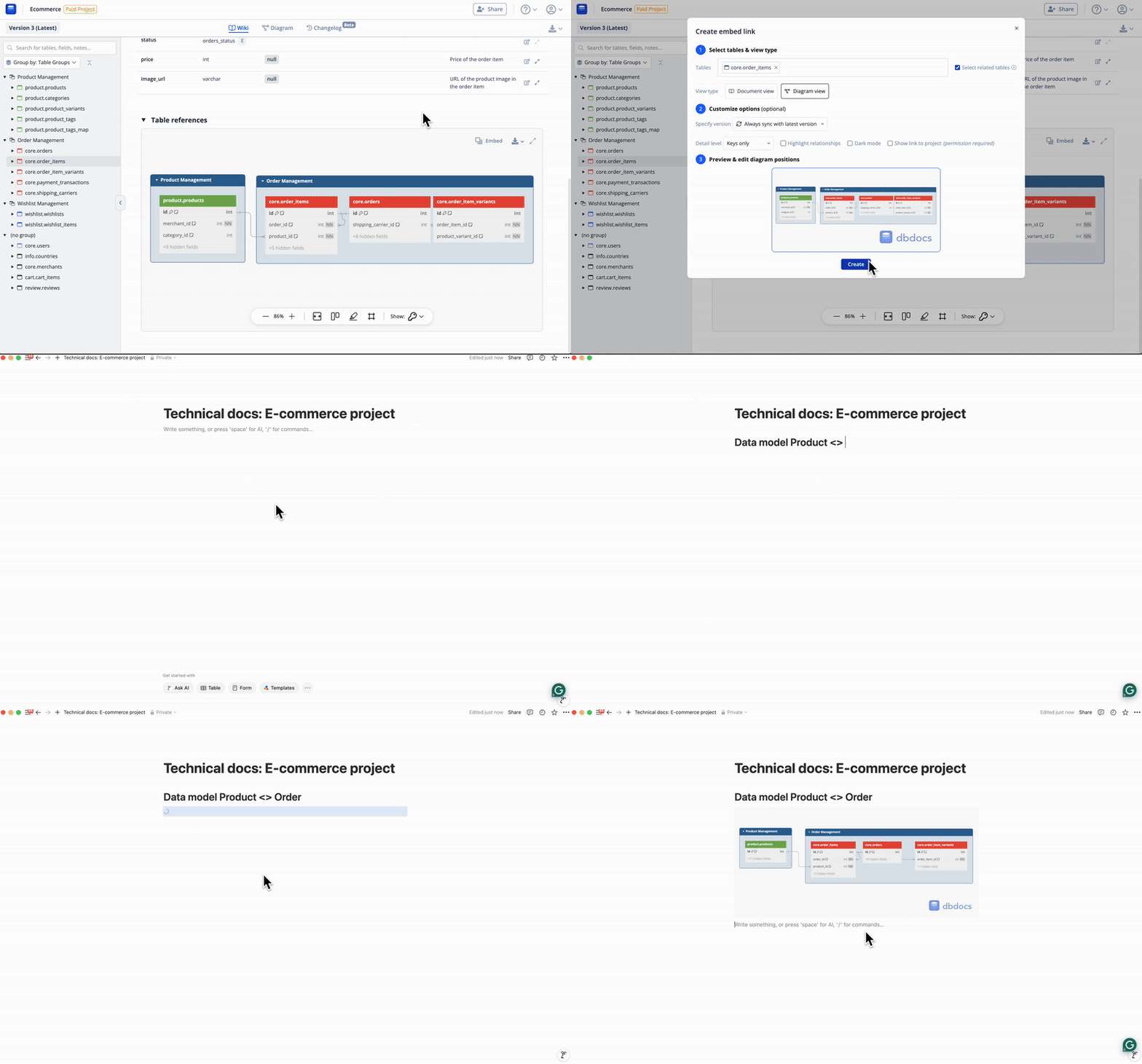
Embedded Views

You can embed your database documentation into platforms like Notion, Confluence, Miro, or even you own website. See your database documentation in the tool that you already loved.

Learn more

Embedded Views
dbdocs

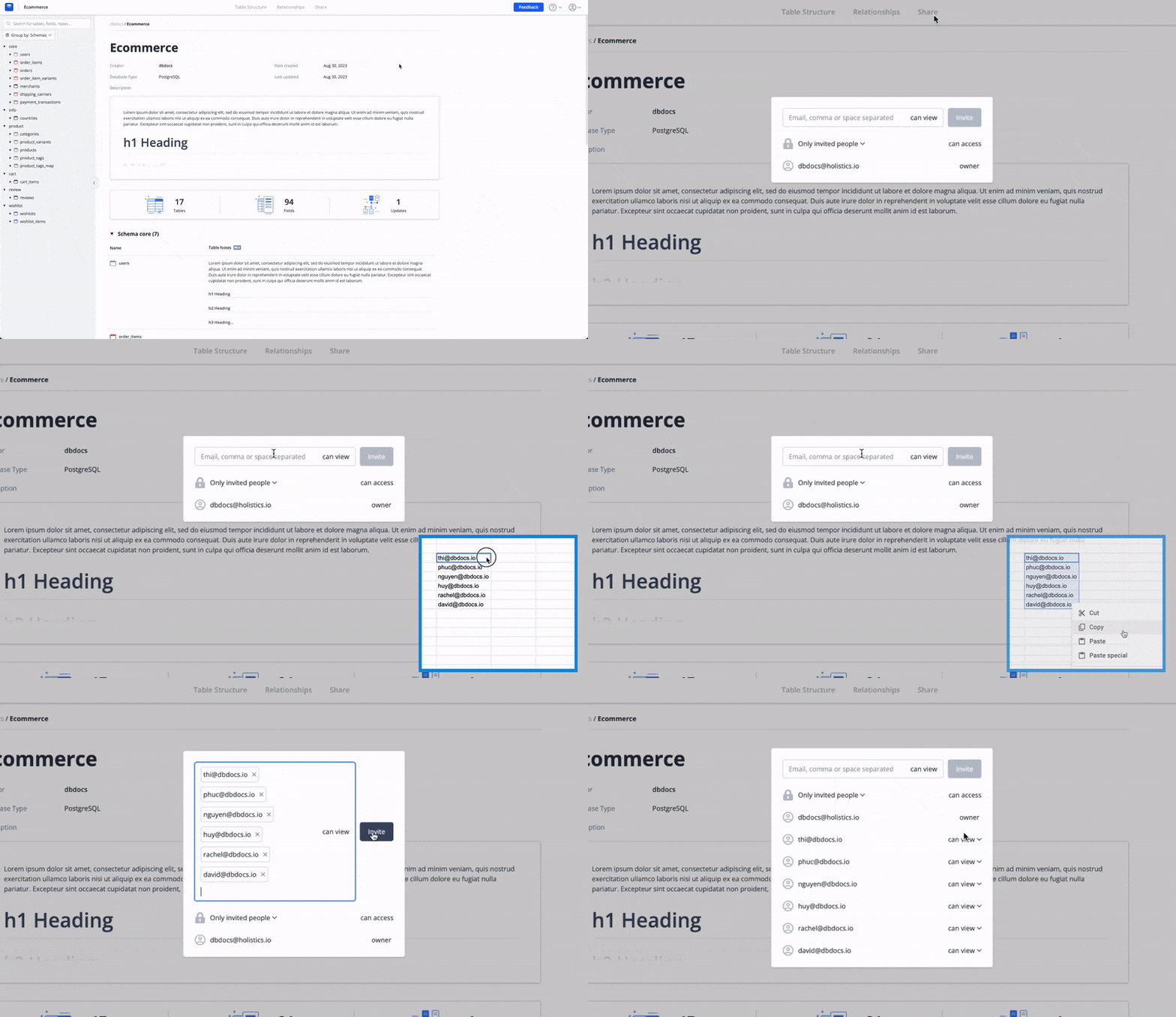
Share with invited users

Directly invite and manage colleagues in your project—perfect for internal team sharing.

Learn more

Share with invited users

What's in our Team plan?

Collaborative Workspace

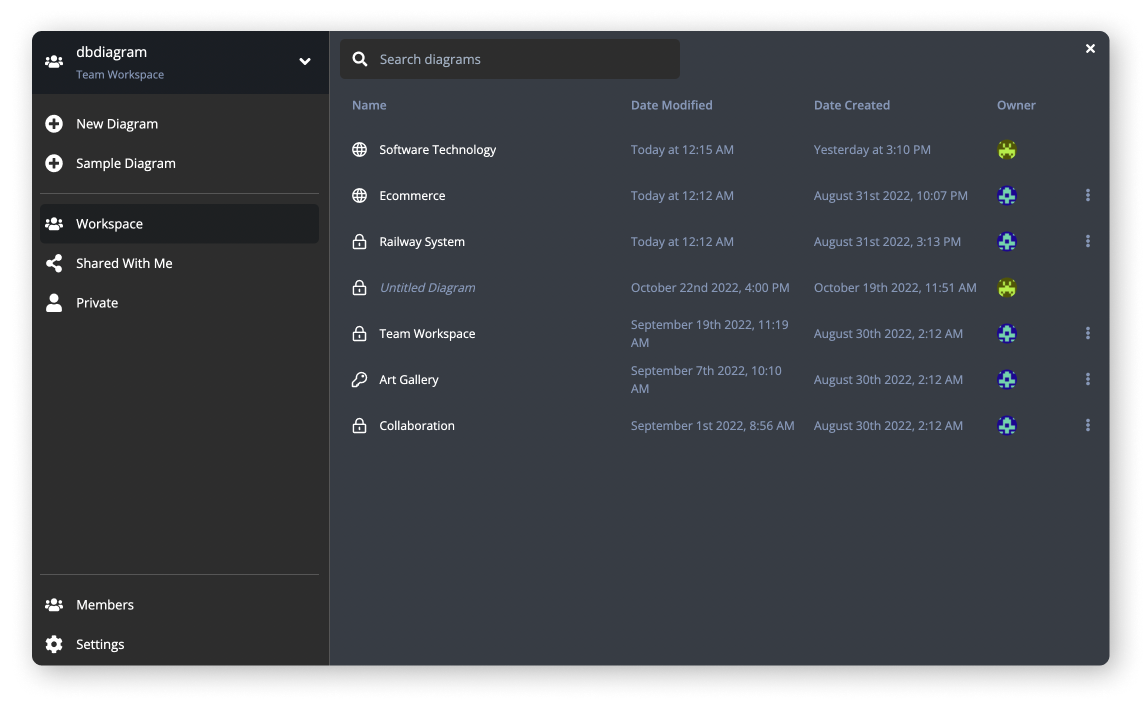
Have a central place for your whole team to store, access, and share your database diagrams and documents.

Learn more

team workspace diagrams

Team Management & Collaboration

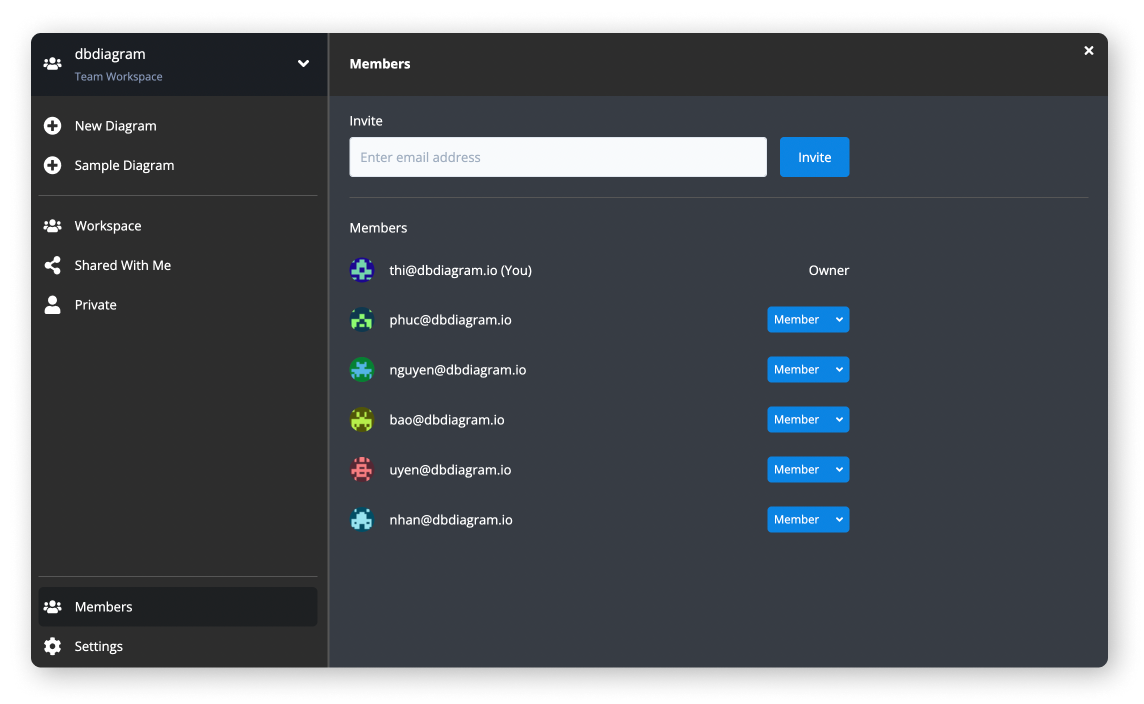
Invite and manage your teammates in one workspace, and allow them to take advantage of the Team plan’s benefits.

invite people to team

Unified Admin and Billing

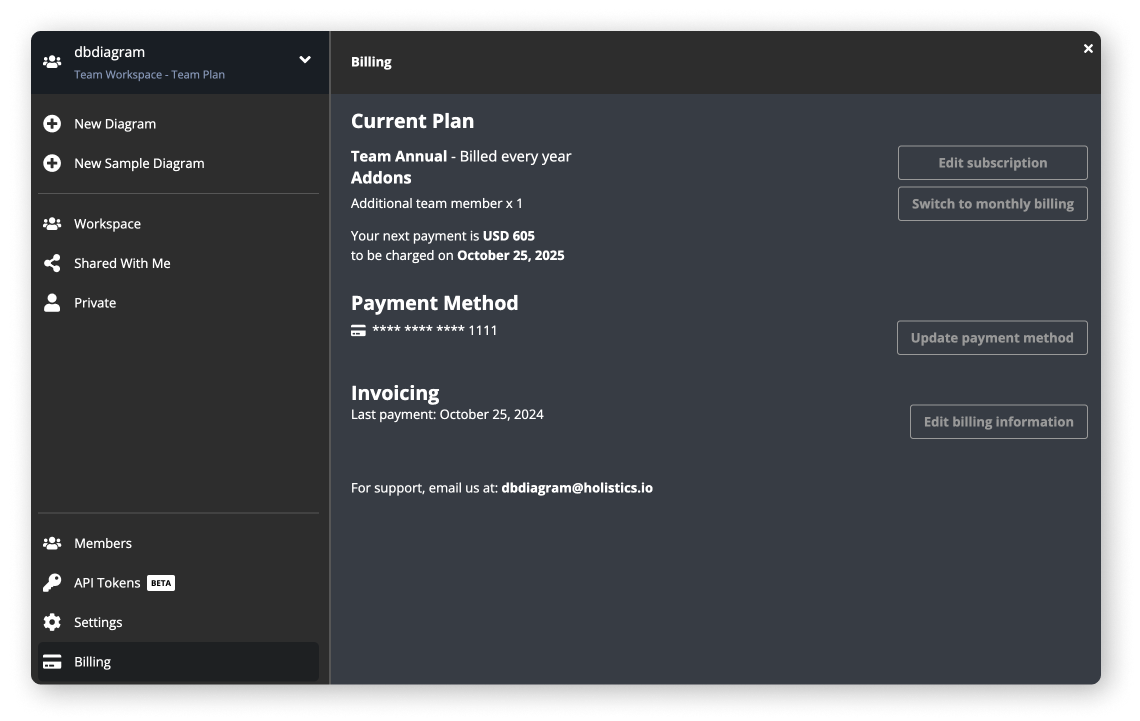
Purchase and manage multiple user licenses for team members. Manage users and billing in one place.

Learn more

manage workspace billing

FAQs

How does pricing work?

• The Free plan is available forever. The Personal Pro plan unlocks Pro features across dbdiagram and dbdocs in your Personal Workspace.

• The Team plan brings your team together to collaborate on a centralized Team Workspace, across both dbdiagram and dbdocs.

How can I manage my subscription?

You can manage your workspace’s subscription in Home > Billing. You can find your workspace’s "Home" shortcut in the top-right account dropdown menu.

Do you store my credit card information?

No, we do not handle your credit card information directly. We’re using Stripe to process your payment.

What happens if I cancel my subscription?

When cancel your subscription, your workspace will be reverted to the Free plan. Private projects will be converted to public projects and workspace members will be unable to access the workspace.

Will my plan be automatically renewed?

Paid subscription is automatically renewed unless you cancel your plan before the end of the subscription period.

Do I get both dbdiagram and dbdocs features on one plan?

Yes, you will get both dbdiagram and dbdocs features on the same plan.

How does the Custom Plan work?

Custom Plans are customized for organizations with specific needs. Contact our sales team to discuss pricing, custom payment terms, and enterprise features like SSO and priority support.

I’m concerned about security. Do you offer a self-hosted version of dbdocs?

We understand the importance of safeguarding your data. If you’re looking for a self-hosted version of dbdocs, simply fill out this form, and our team will be in touch to discuss your specific requirements.

I have questions. How can I get in touch?

Drop us an email at [email protected].

* Your payment is subject to tax from your country
Get Started Free